 Evgeny Tabolich
Landmark colorization
Recolor landmarks via data — no asset forks.
In progress — case study under development
Decision
Kill the over-flexible shader. Ship logical parts + style overrides instead.
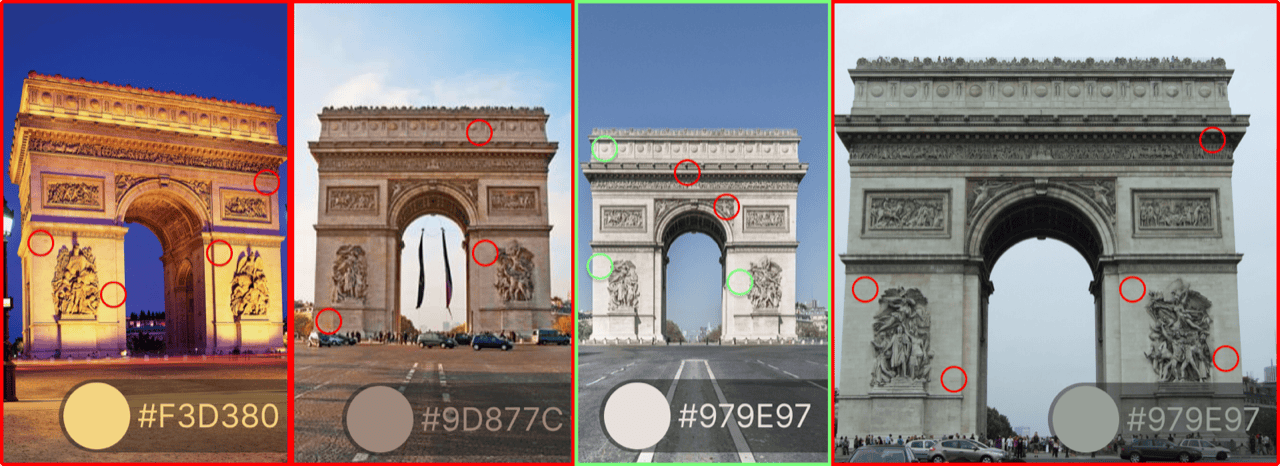
Style-time color on logical mesh parts · data overrides next to the map style · Blender authoring with validation before export · pilots on real city scope · handoff to ongoing 3D content leadership.
Context
Landmarks shipped with physically based materials and conservative color to keep Mapbox Standard calm and fast. That was the right trade early: one neutral treatment, predictable in tiles and in the renderer. Once vector layers and partner branding demanded richer control, landmarks could not stay the only “frozen” layer—without a real parameter model, every new ask became a mesh fork or a demo hack.
The research ran in parallel with a high-visibility customer map demo: it proved appetite for full-color buildings, and it also exposed how expensive a fully bespoke shader story would be to review, ship, and own. The product bet shifted to a production system: real-world grounded palettes, explicit segmentation, and data that could ride the same style and tooling paths as other basemap layers.
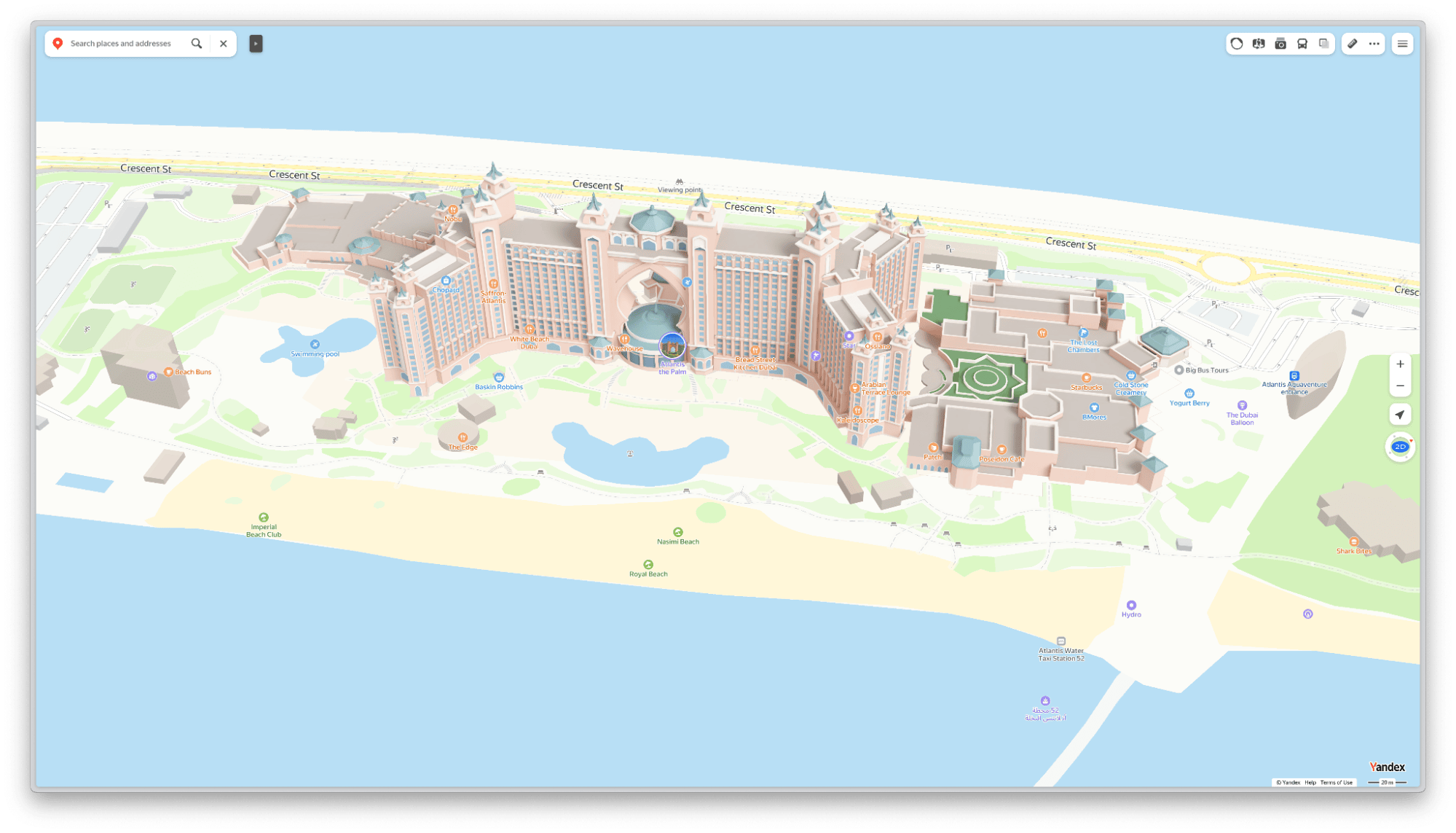
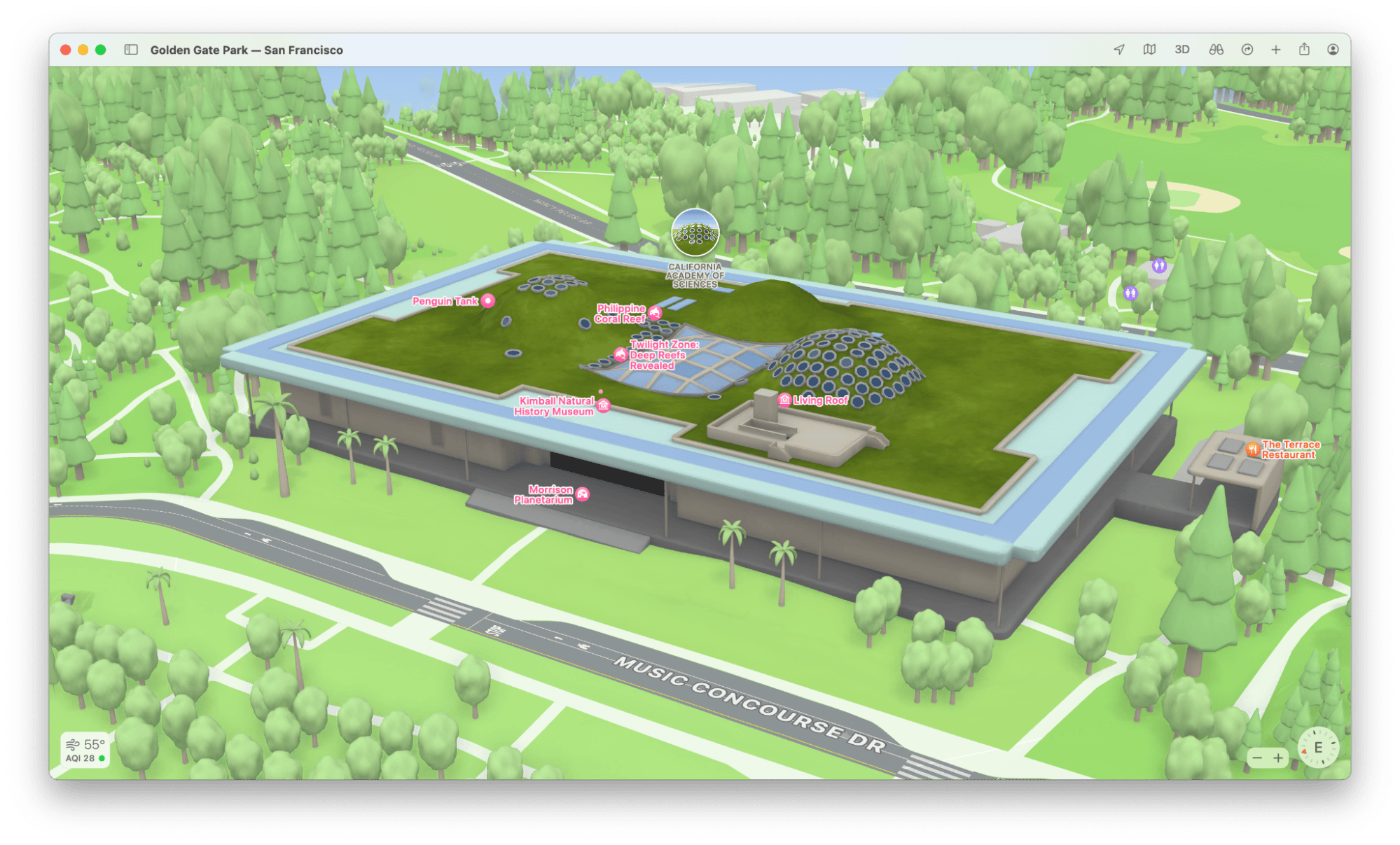
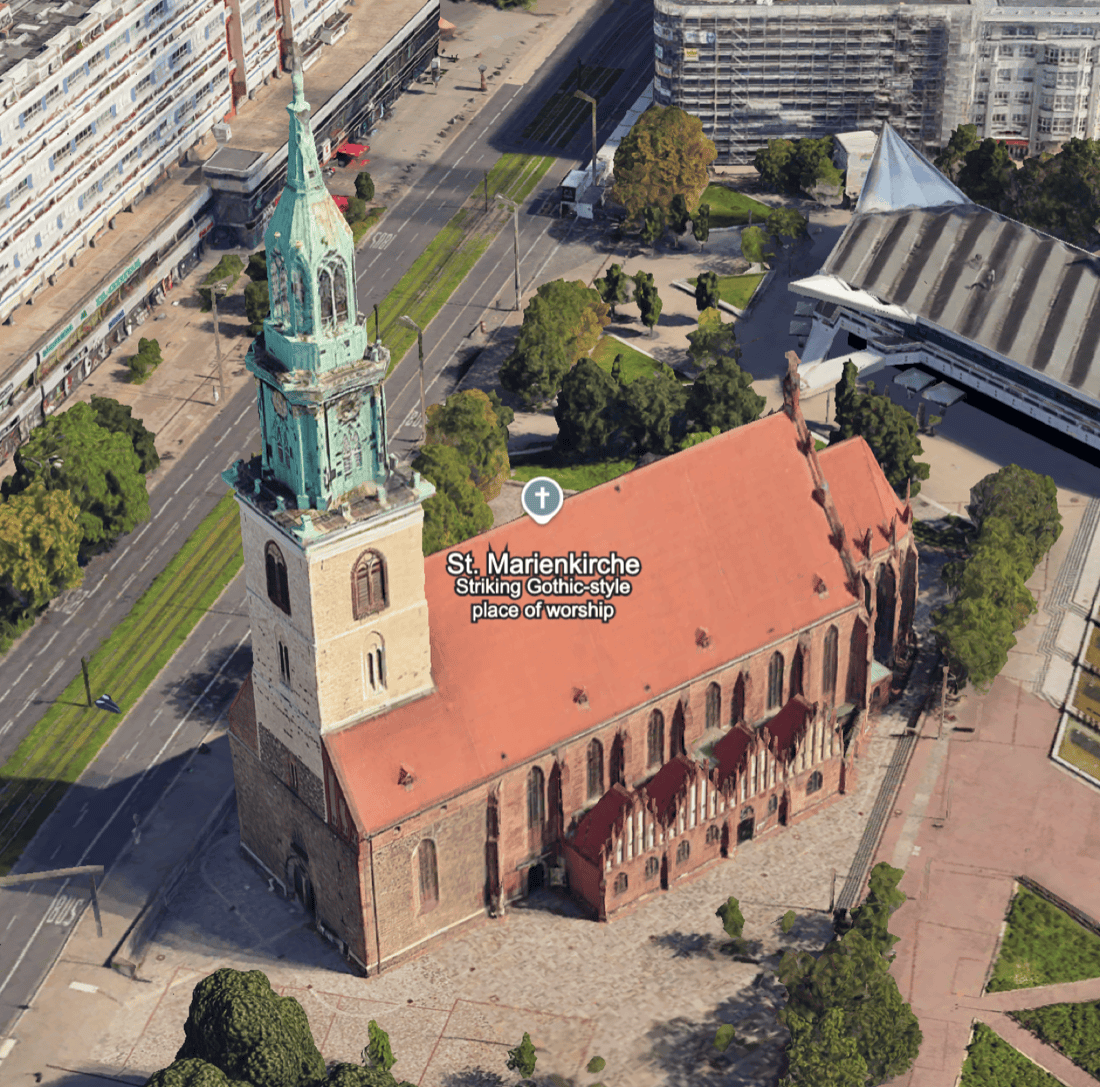
Competitor scan: TomTom, Yandex Maps, and Apple Maps—three shipped baselines for how 3D massing colour reads against roads, labels, and terrain at city scale.

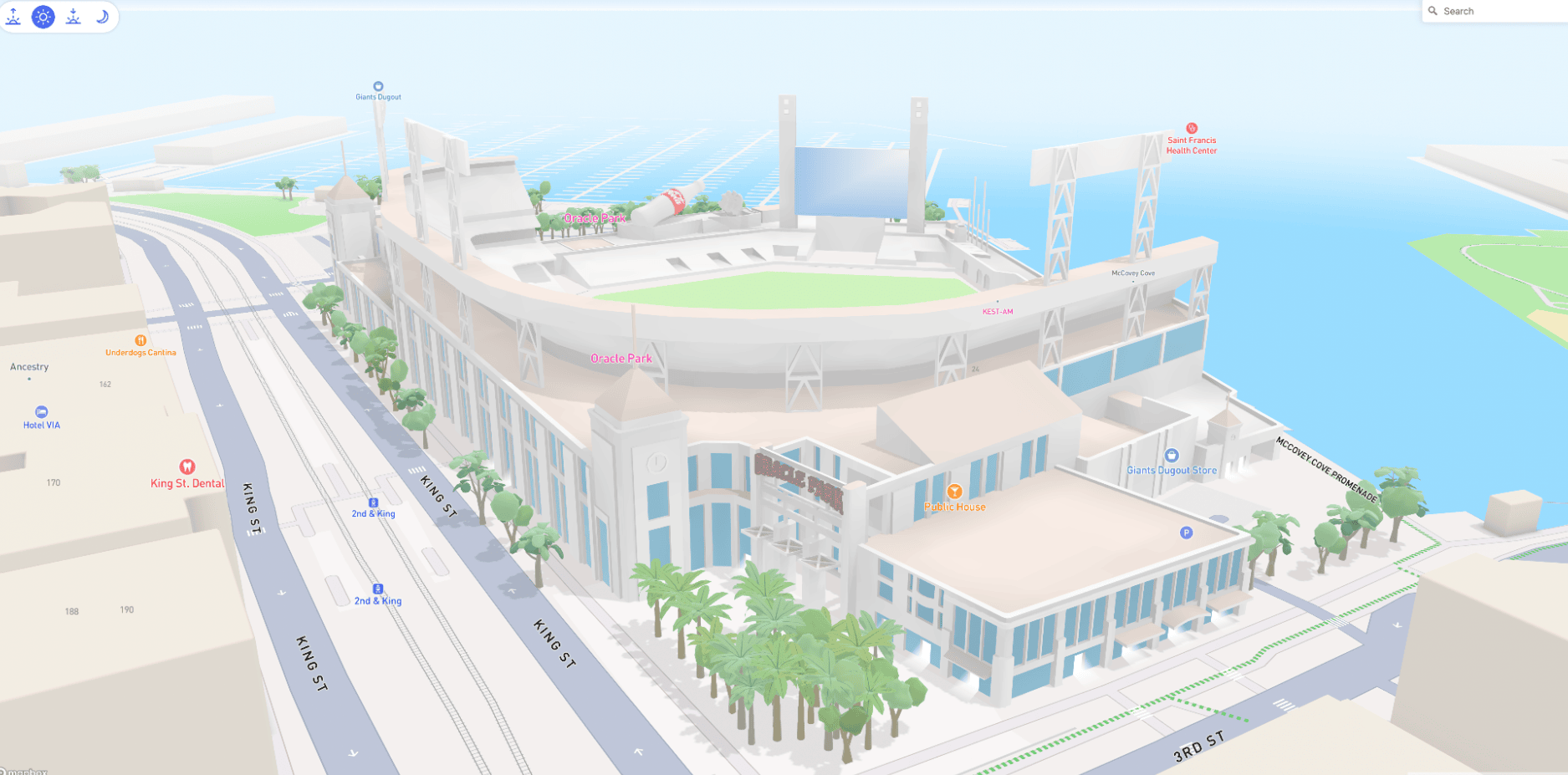
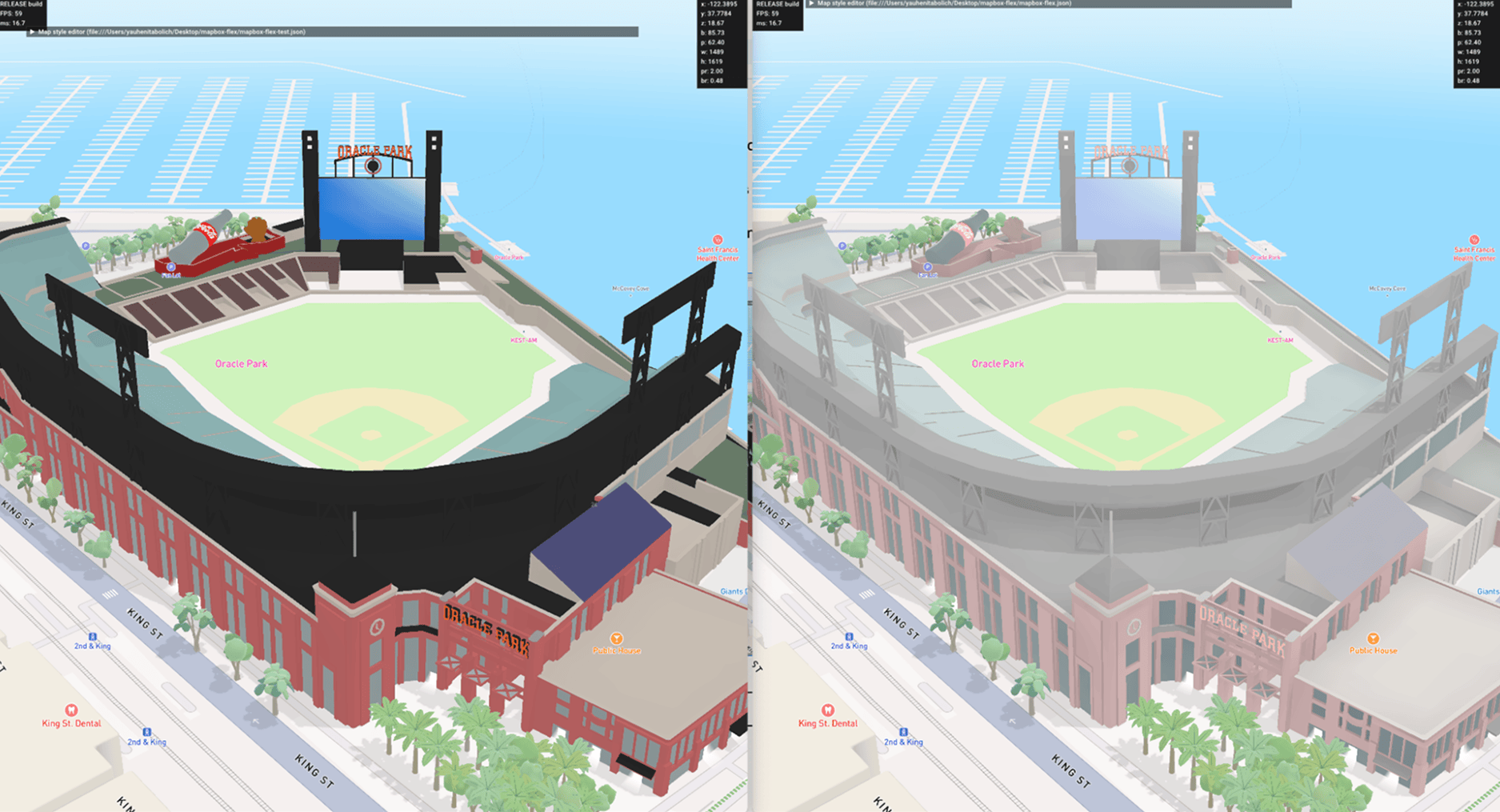
Comerica Park
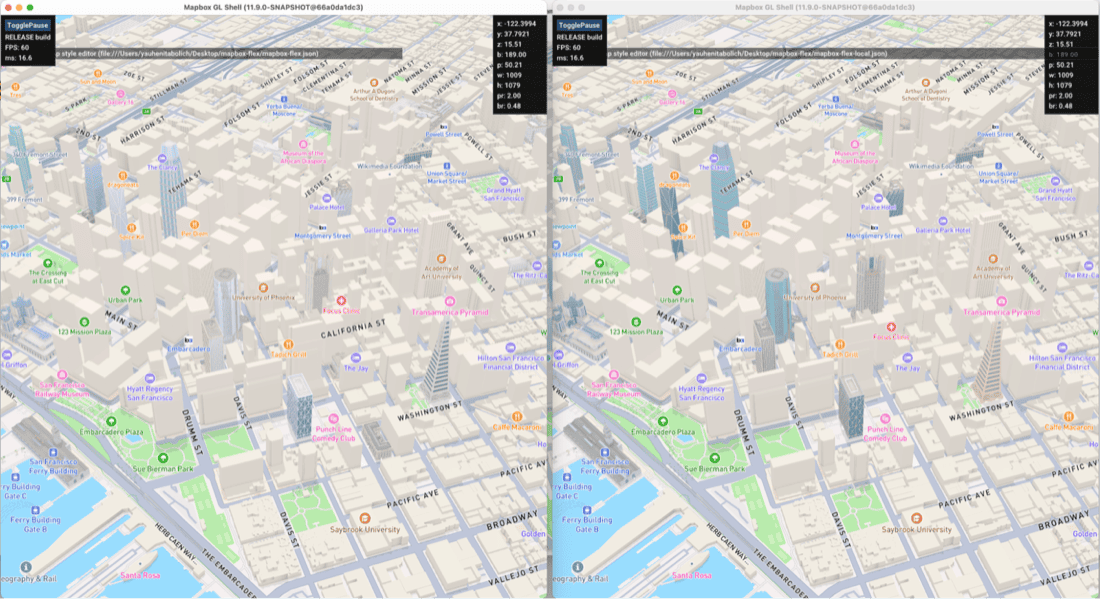
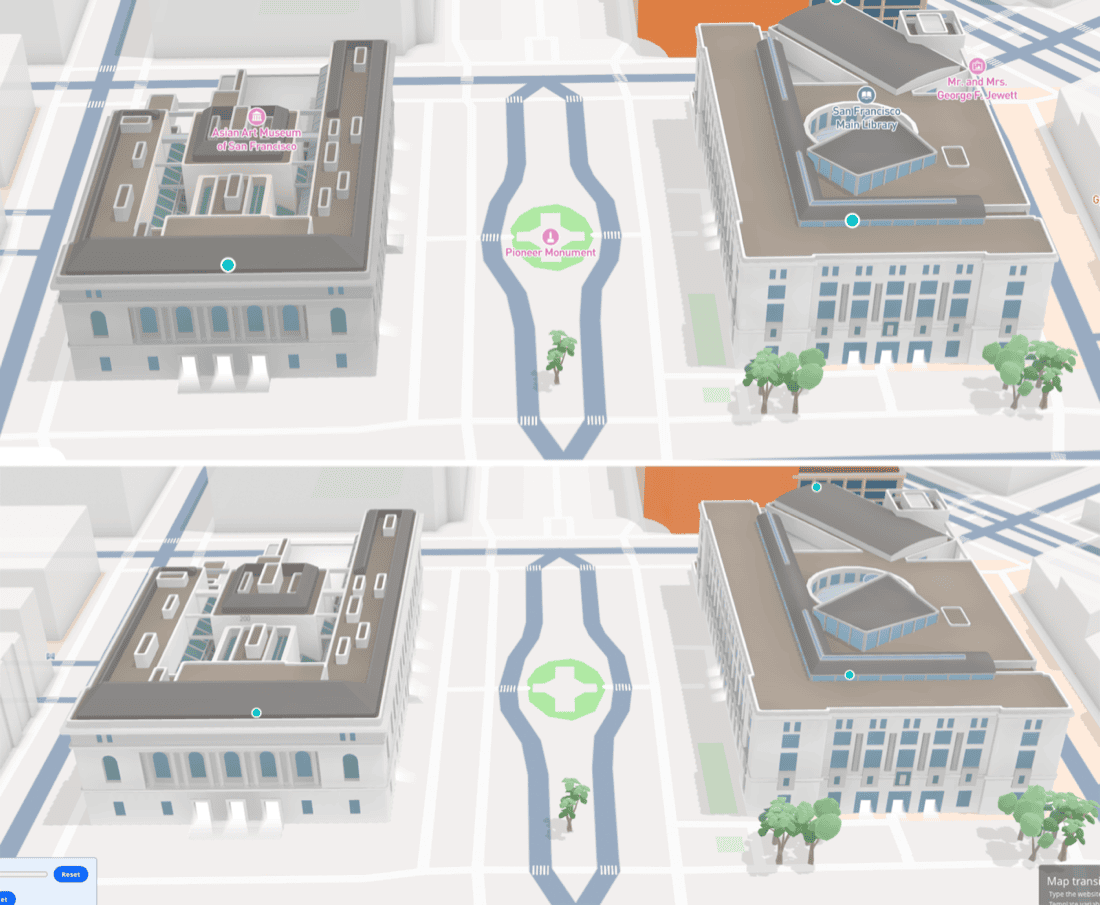
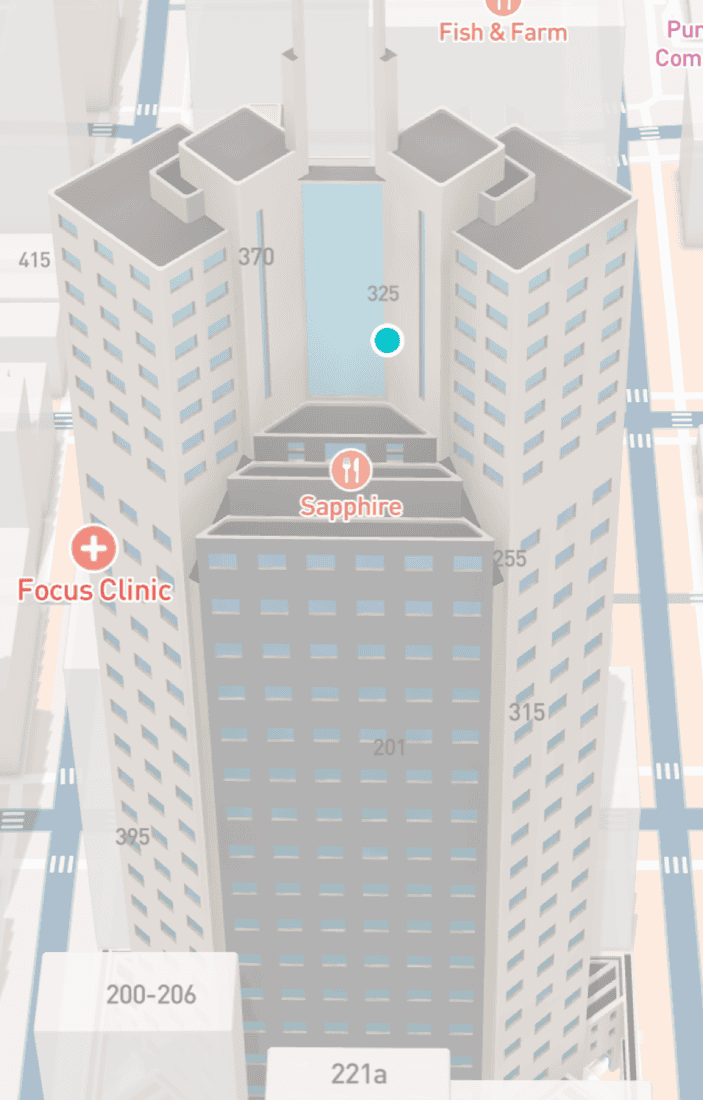
Early Standard versus color pass on the same landmark: how contrast behaved when we pushed saturation and hue without breaking navigation hierarchy.
Hard constraints
Renderer · tiles · studio
Anything we designed had to survive mesh budgets, lighting from Standard, and the style spec—not a one-off GL branch. Color could not multiply draw variants per building, and map designers needed levers that felt like the rest of the map: data-driven, diffable, and reviewable in QA—not buried in artist-only Blender settings.
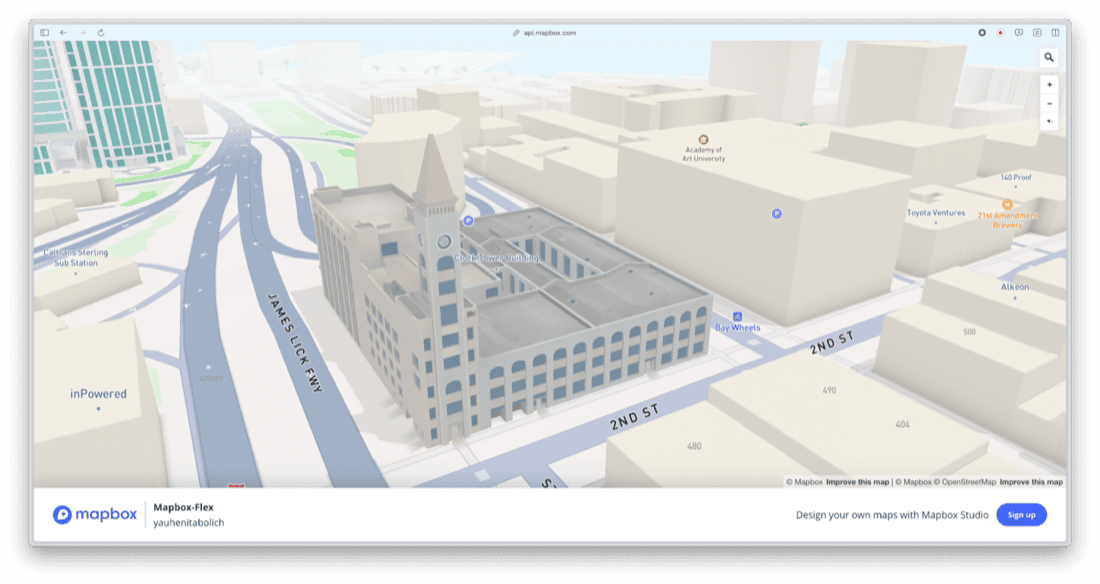
Research arc
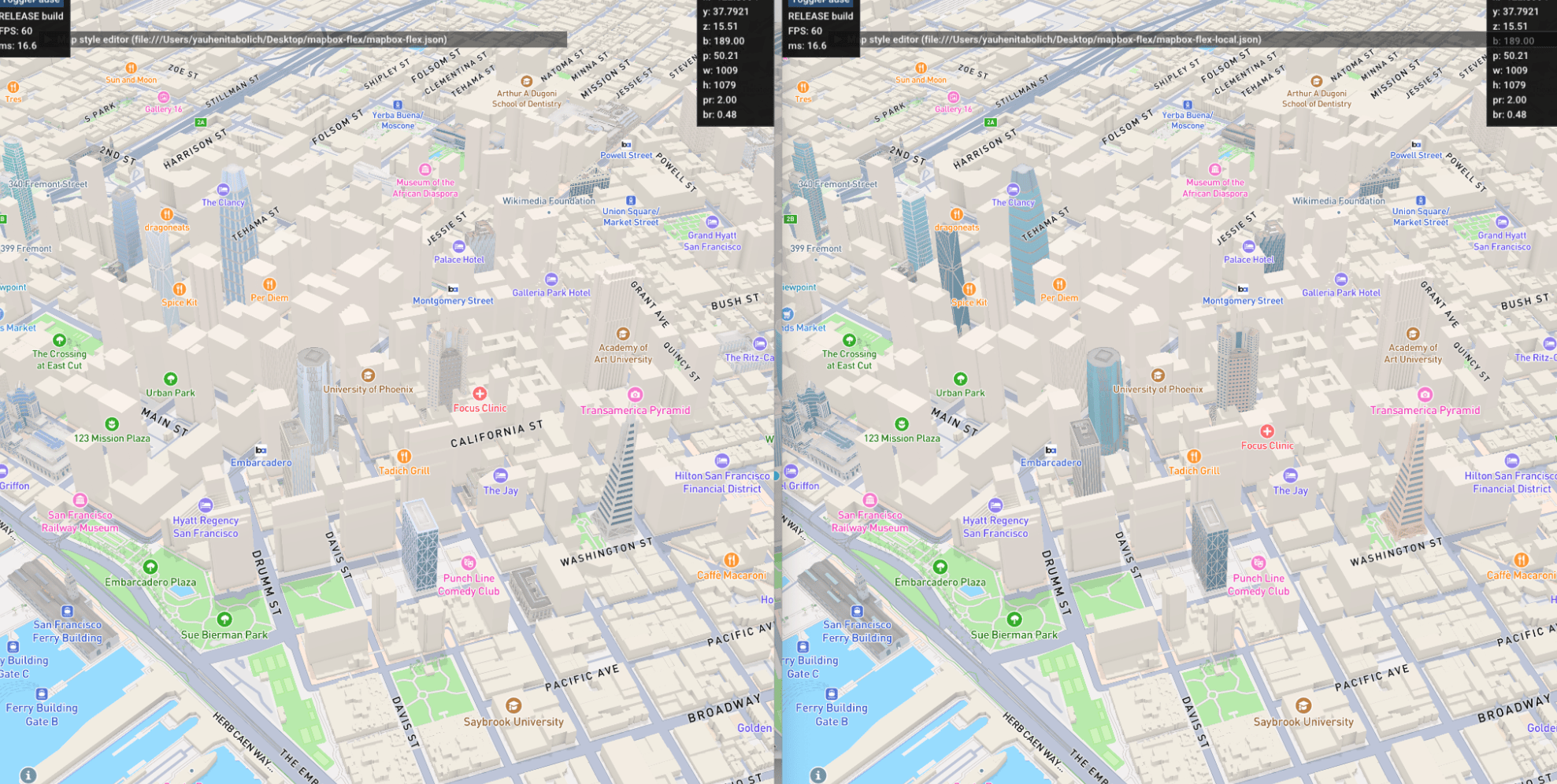
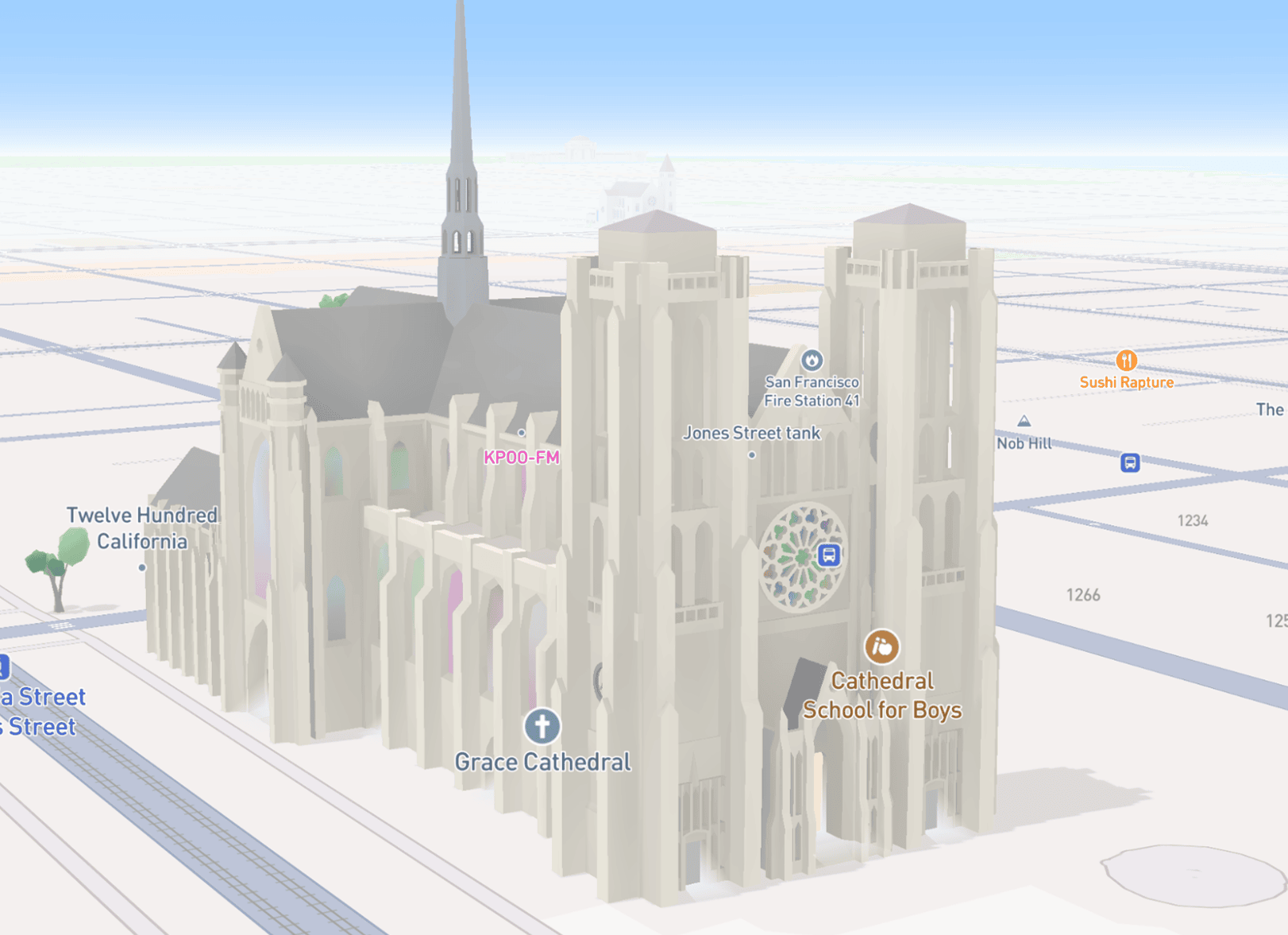
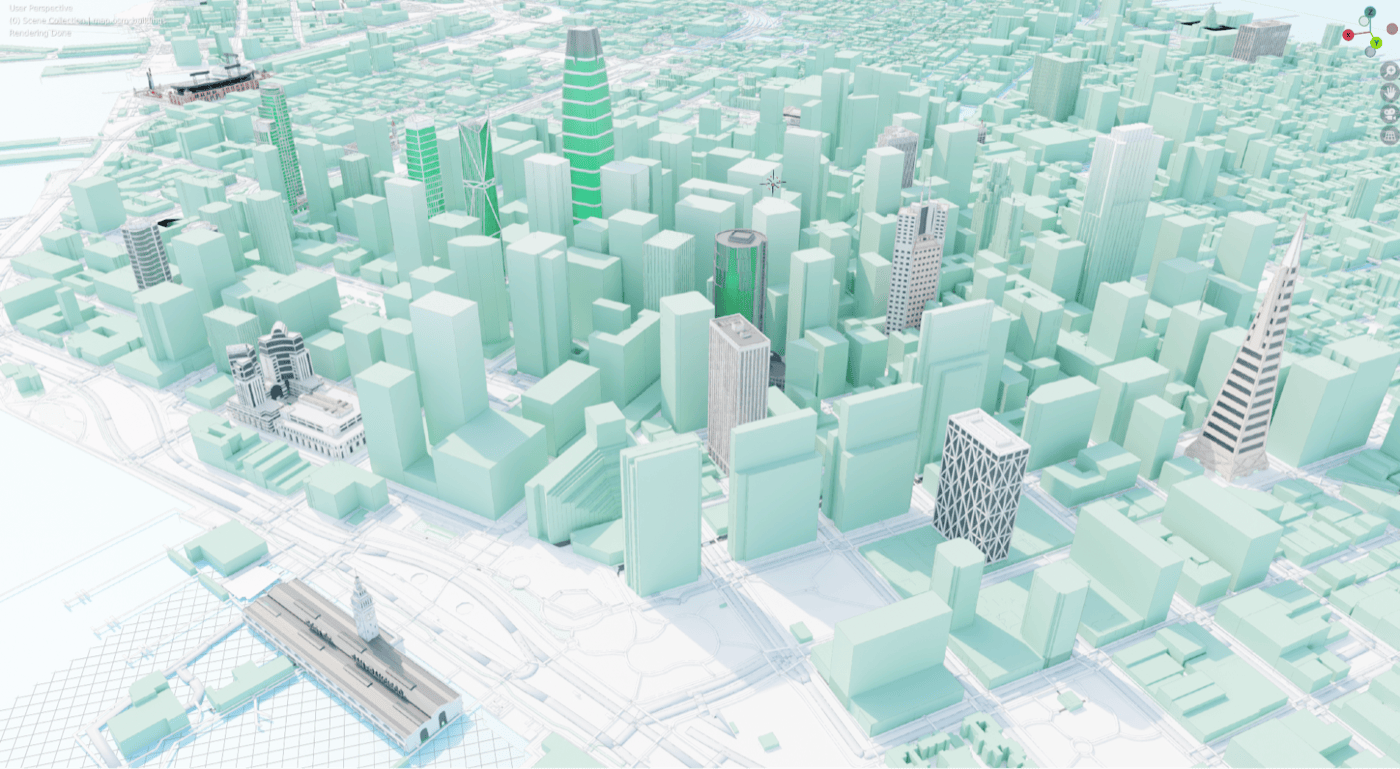
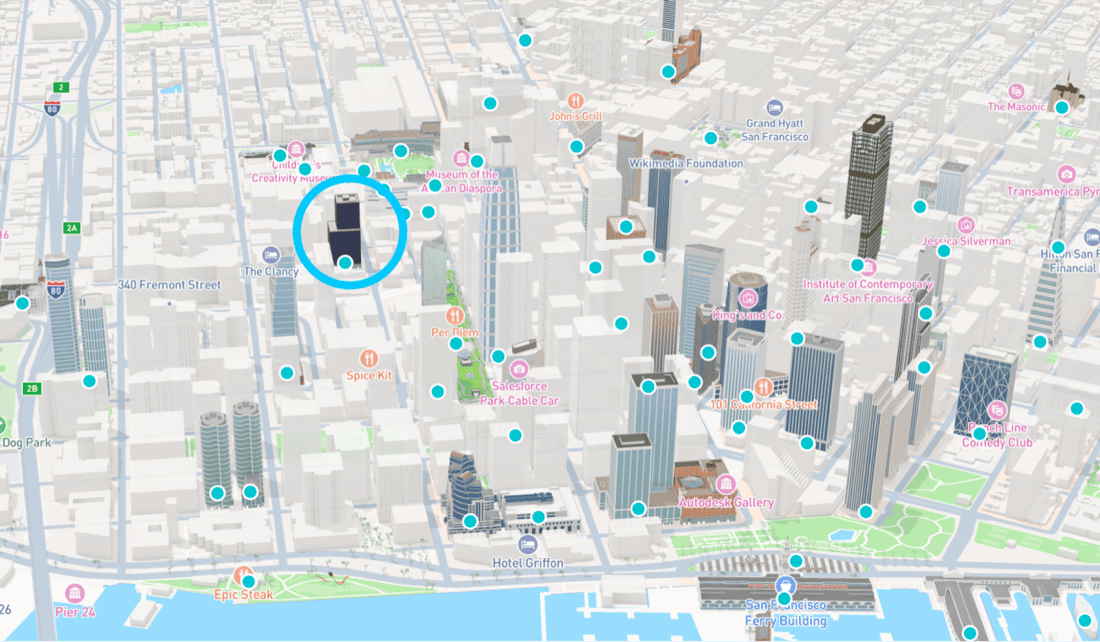
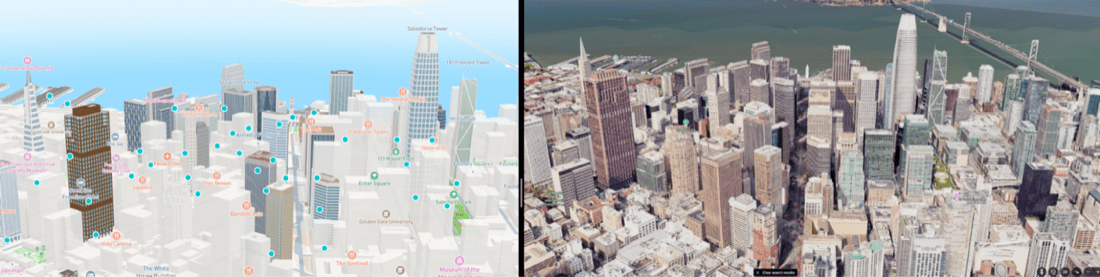
San Francisco as the first metro exercise—city-scale color, an early palette pass, then a landmark detail (Grace Cathedral) to see stained-glass reads on the map.
Stages
Exploration prototyped a more open-ended system for flagship demos—enough to test stakeholder reaction and renderer ceilings.
De-scope: the “everything is pluggable” direction failed on engineering surface area and review load; we parked it before it forked the stack.
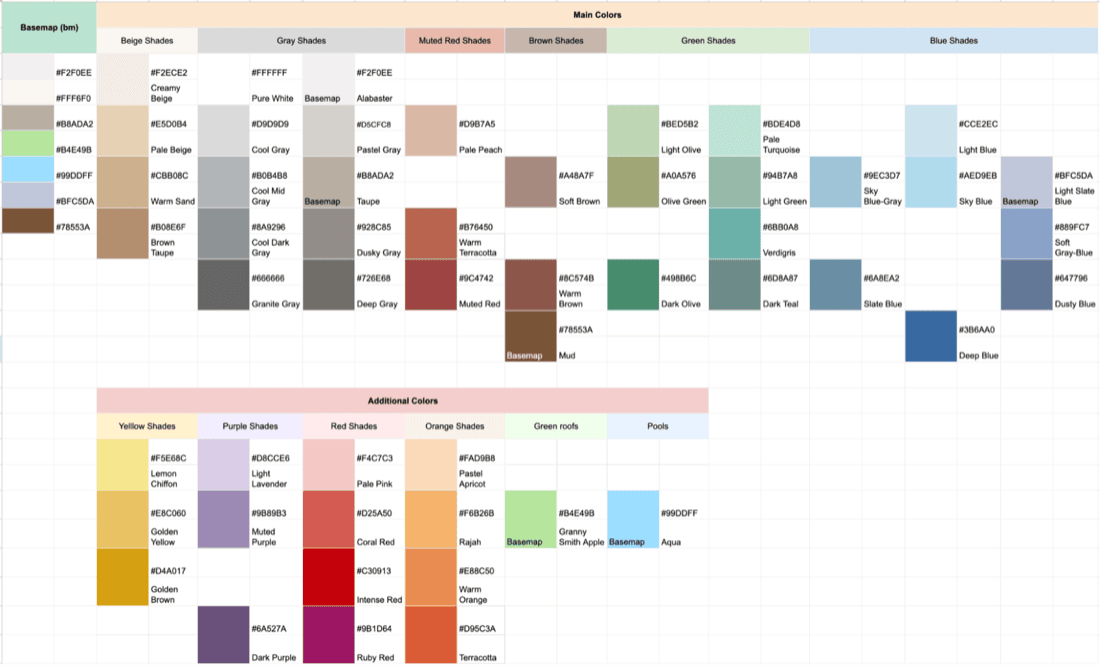
Production-shaped bet: real-world hue references, logical parts (walls, roofs, glass, accents), and style-time overrides instead of renaming materials per city.
Pipeline fit: align 3D content, map design, and rendering on one vocabulary so work could land in the standing landmark program—not a science project branch.
What broke at scale
Authoring conventions that work for ten models collapse at catalog scale:
- Semantic drift: labels like
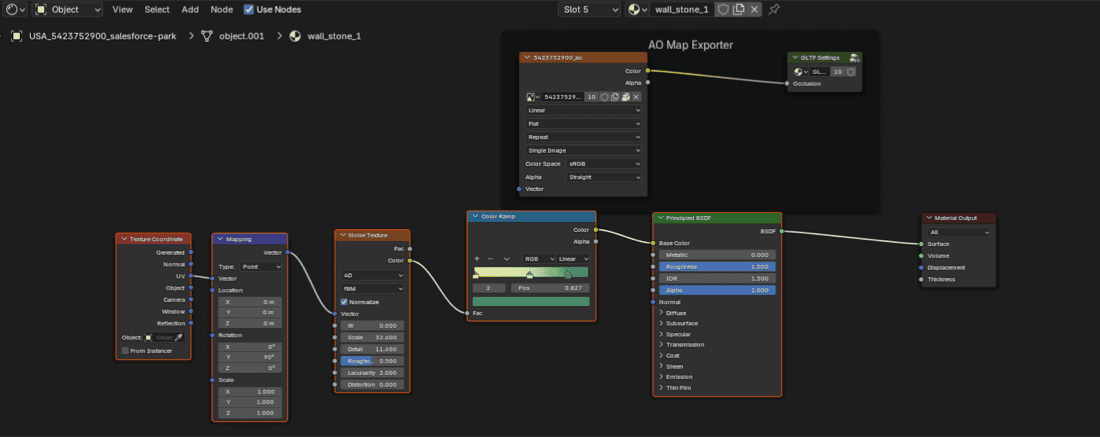
wall_brick_redon non-brick geometry—automation and style logic cannot reason about intent. - PBR roadmap: color locked in material names fights upcoming shading work—parameters need to live in data, not in filenames.
- Operational cost: changing a palette forced mesh edits or duplicate assets instead of bounded style updates.
- Demo traps: one-off colors for presentations did not generalize—cities diverged visually when teams improvised.
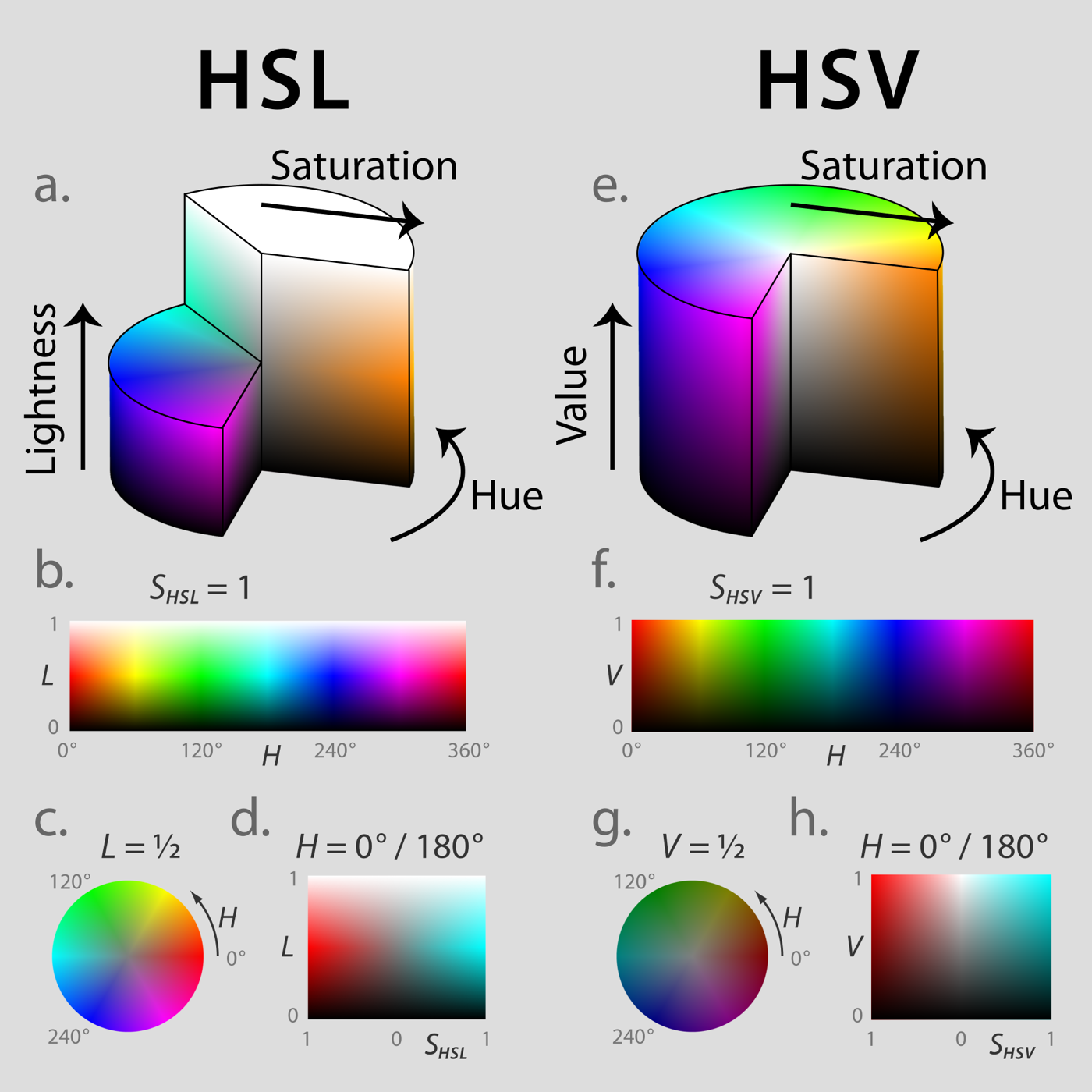
HSV on parts, not names
System model
Parameters & caps
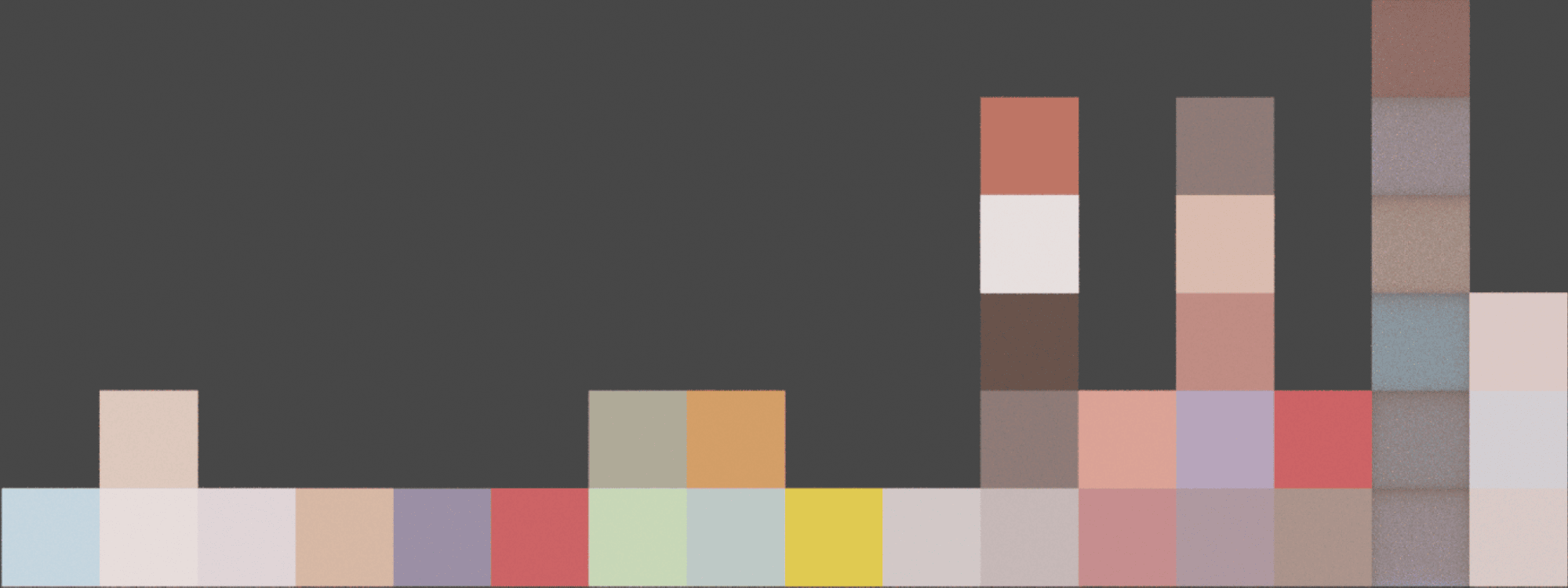
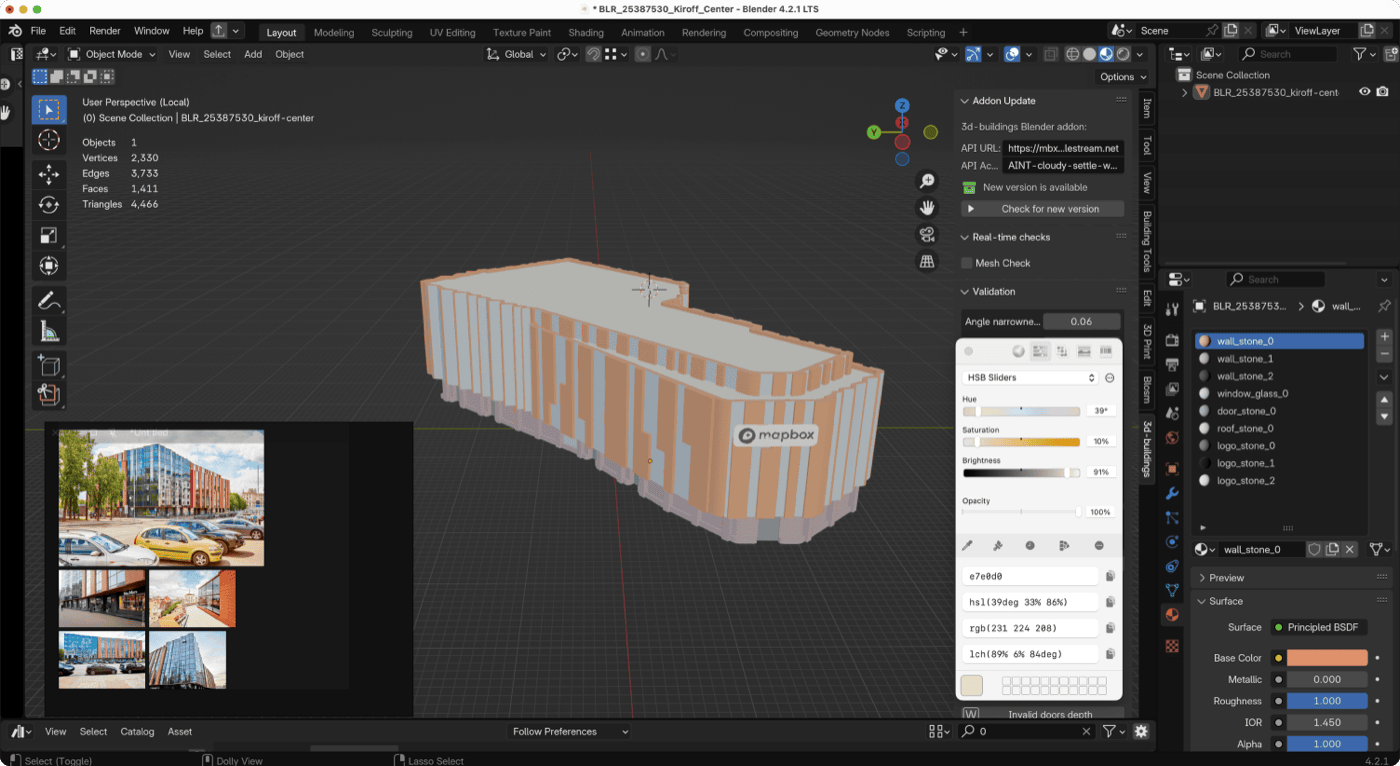
The control space is hue bands with optional saturation and brightness ceilings on logical parts. Artists stay inside believable ranges for stone, glass, and painted surfaces; map designers can still steer a city or a partner program without reopening every blend file.
- Hue
- Target interval in degrees (for example 33° ± 5°) so brick stays brick when zooming across neighborhoods.
- Saturation / brightness
- Caps keep night modes and print-safe contrast from turning into neon.
- Overrides
- Serialized next to the style—diffable, reviewable, reversible—instead of embedded-only in mesh names.
- Compatibility
- Existing assets keep valid topology; color intent upgrades through data where possible.
{
  "landmark_color": {
    "parts": {
      "walls":    { "hue_deg": [28, 40],  "sat_max": 0.42, "val_min": 0.35 },
      "roof":     { "hue_deg": [210, 230], "sat_max": 0.28 },
      "glass":    { "hue_deg": [190, 210], "sat_max": 0.18 },
      "accent":   { "hue_deg": [15, 35],   "sat_max": 0.55 }
    }
  }
}
Mesh ↔ style contract
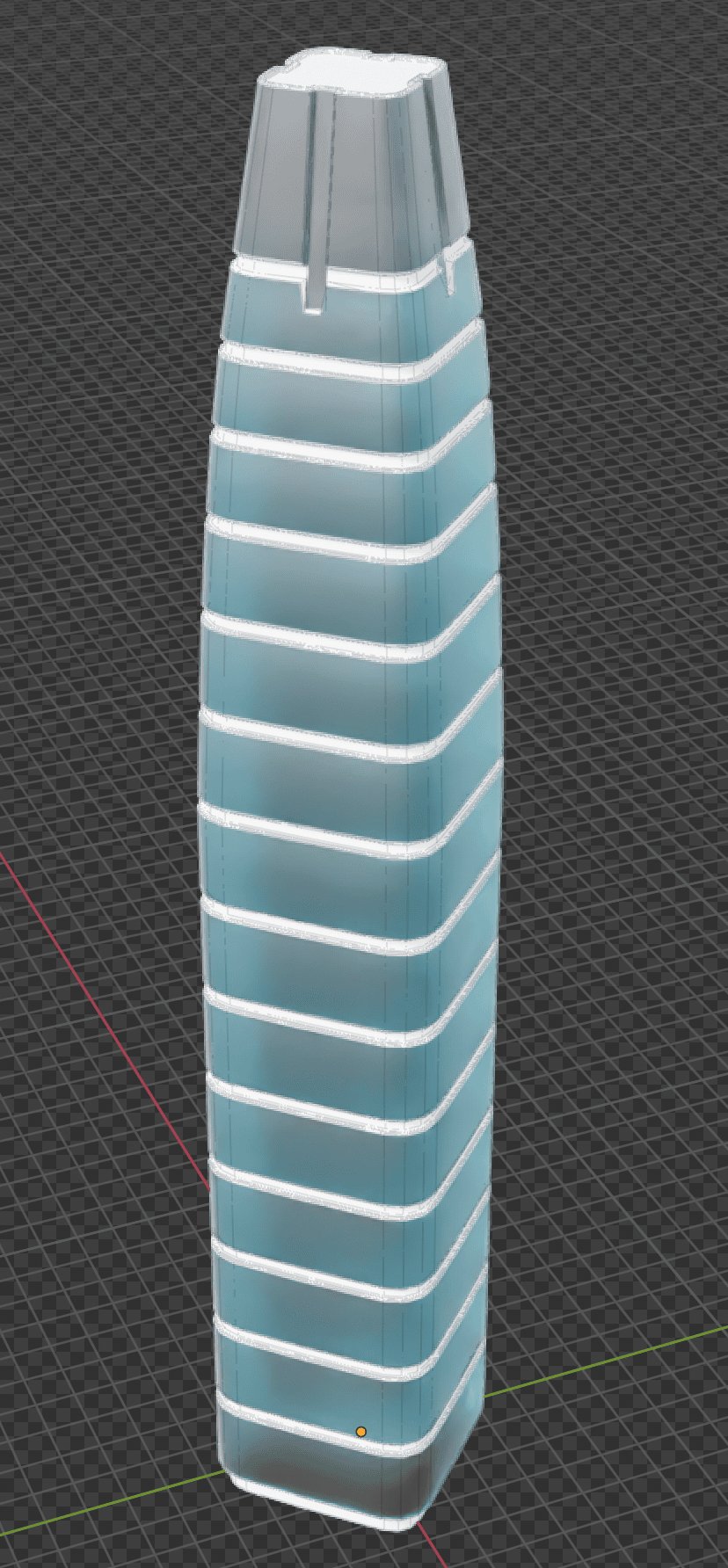
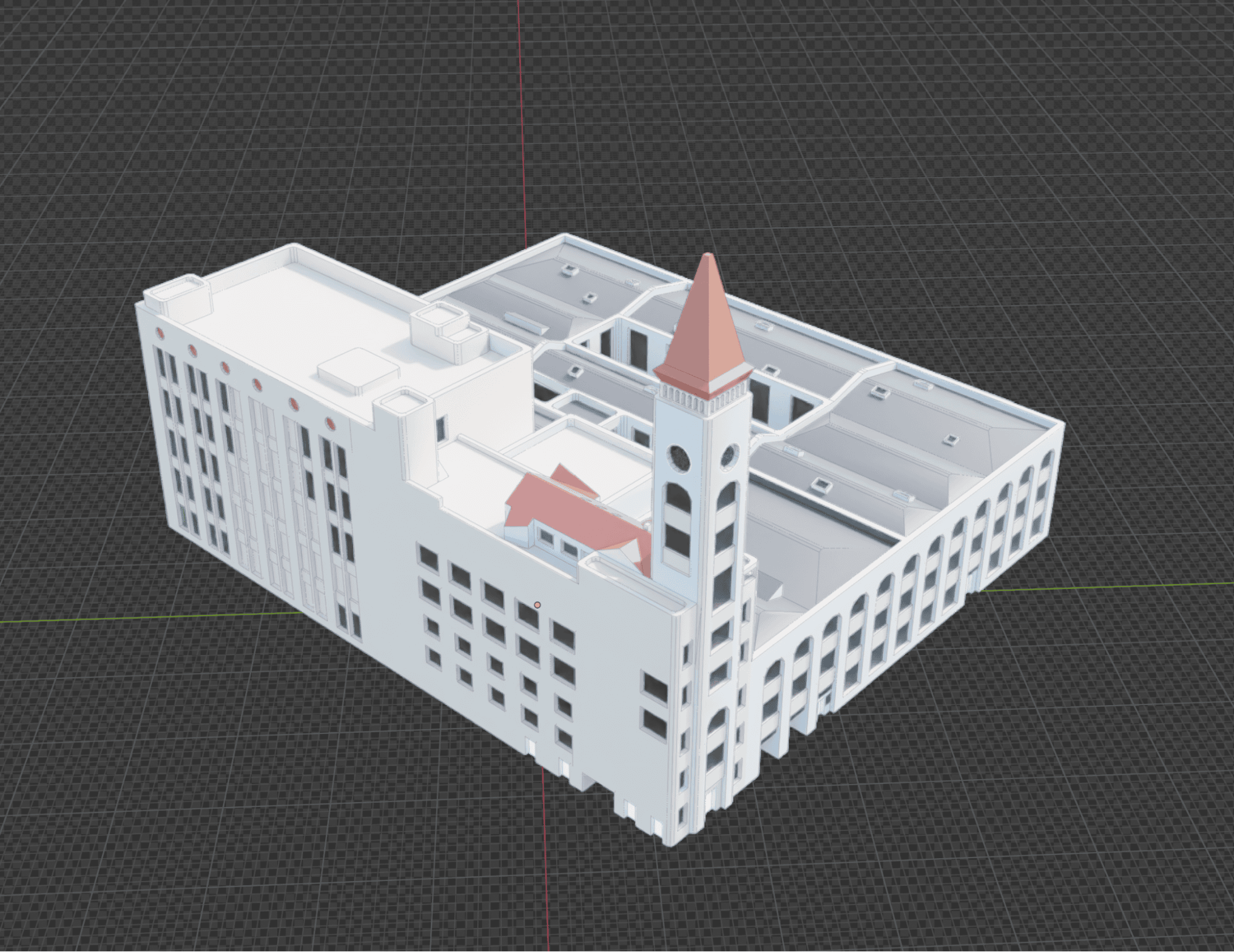
Authoring tools assign stable part IDs; the pipeline encodes color intent into channels the map services already consume. Style-time data points at those channels — so QA can compare “what art authored” vs “what the map shows” without a parallel preview mesh. Product value: customizable landmark styling without duplicating assets.
DCC and export
Blender · validation · glTF
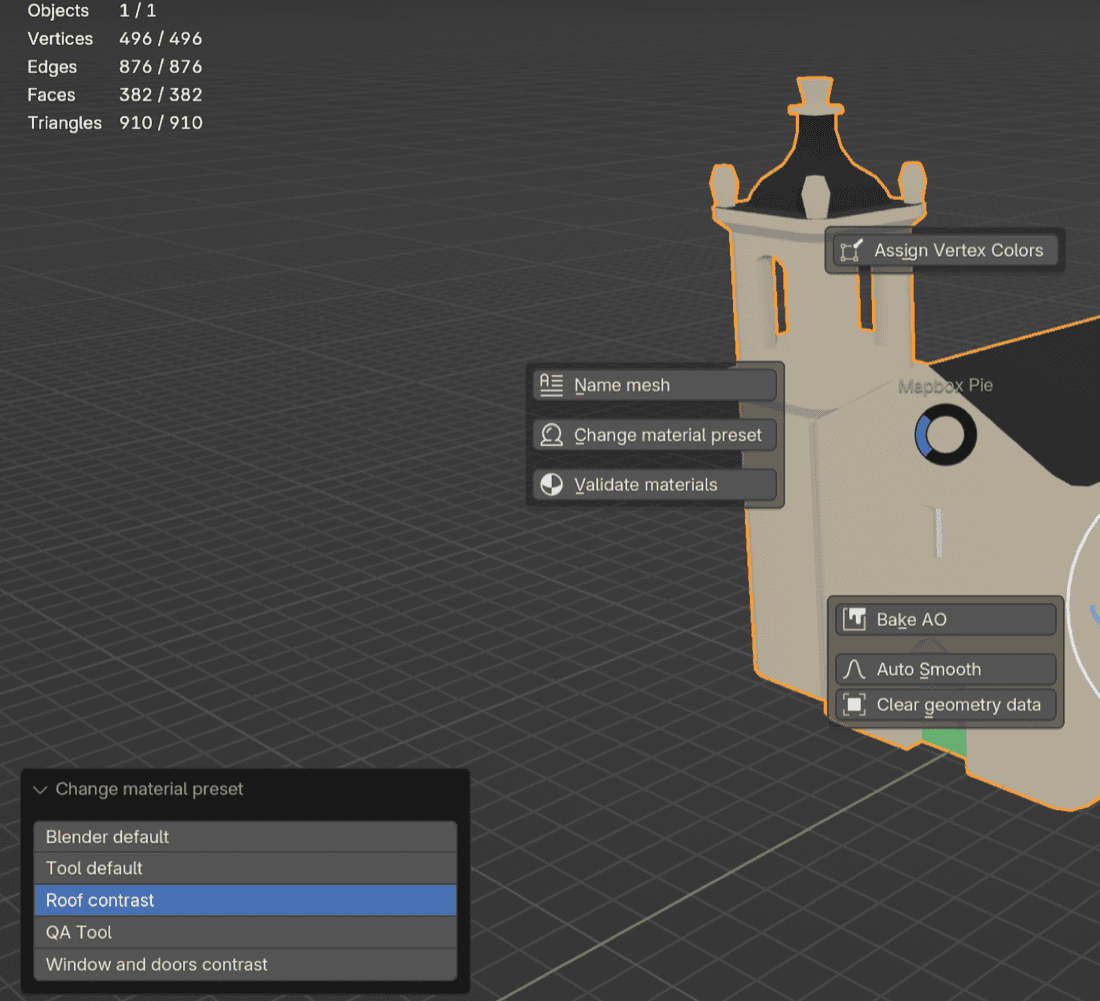
Workflow stays in Blender with references from real imagery where it matters. Before geometry hits processing, validation catches missing parts, out-of-range values, and export settings that used to fail late—at the handoff between artists and pipeline engineers.
Pipeline
Logical parts → validated export → glTF with color intent → tile-friendly payloads → style JSON applies global and regional tuning. Failures surface as actionable errors instead of broken previews in the map SDK.
Pilots on real geography
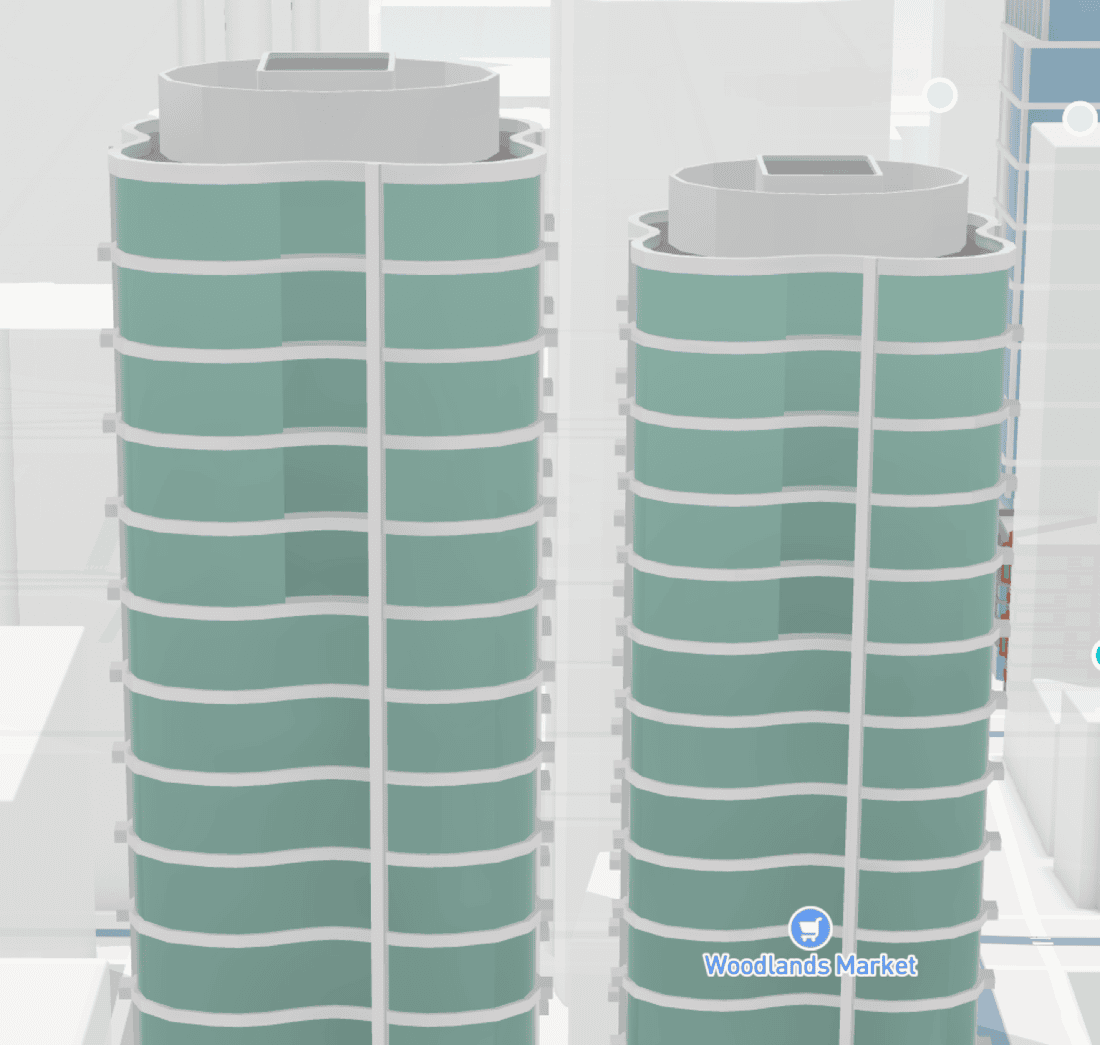
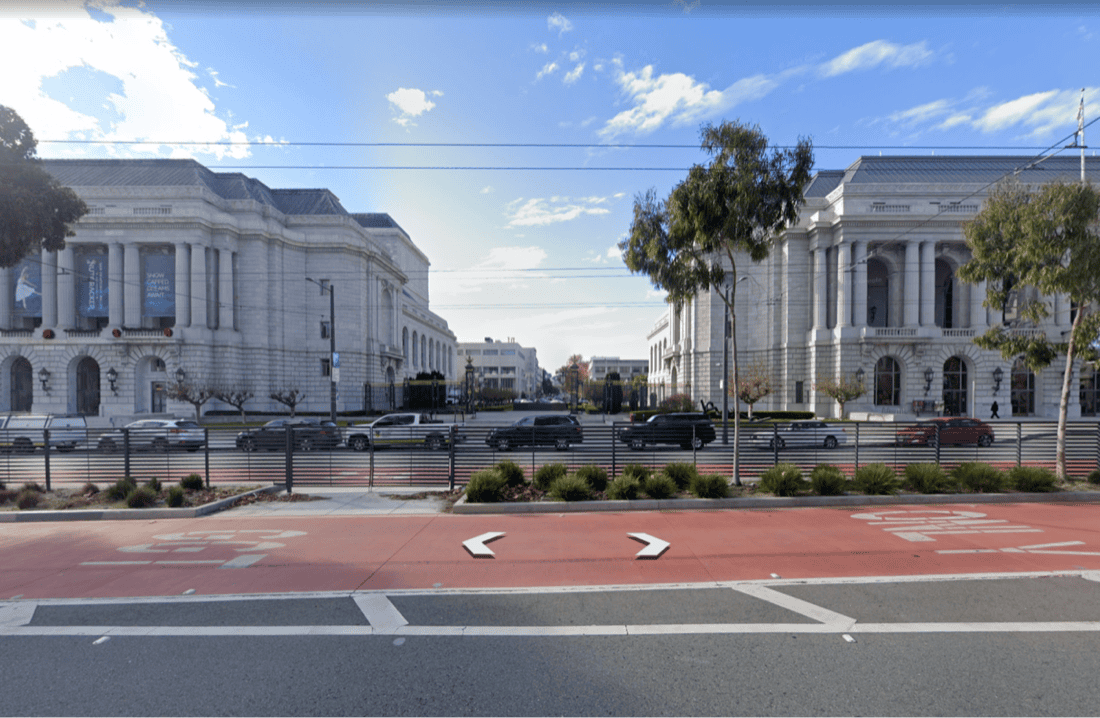
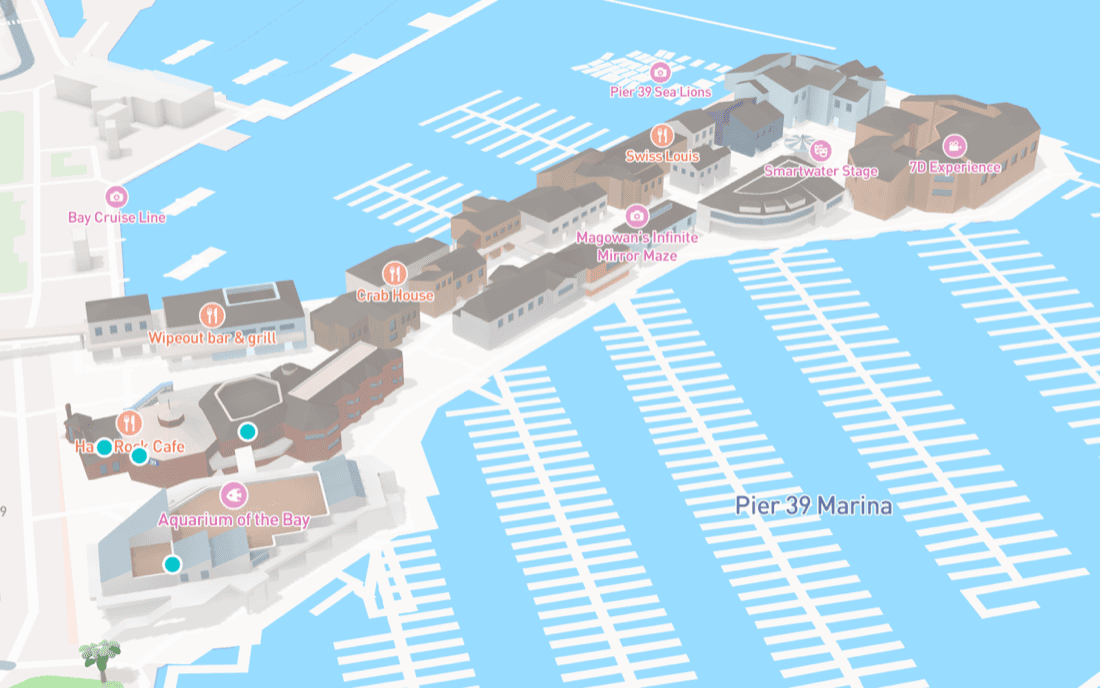
We ran focused pilots where road geometry, landmark density, and partner expectations differ—proving the system under different lighting and camera distances. Success required one material definition for Standard and color passes, a shared palette signed off with map design, and a dedicated review style so color QA did not collide with unrelated basemap experiments.
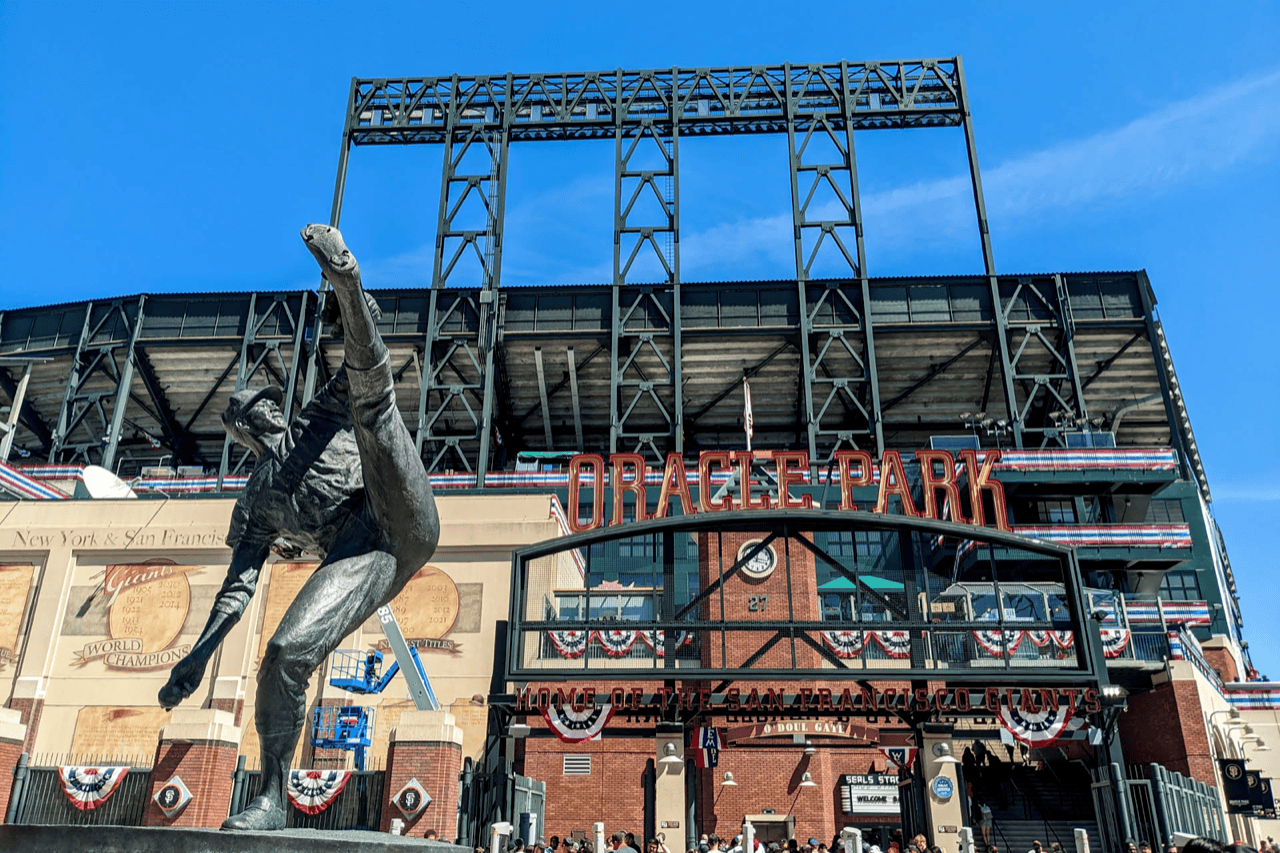
Field views
Internal review surfaces
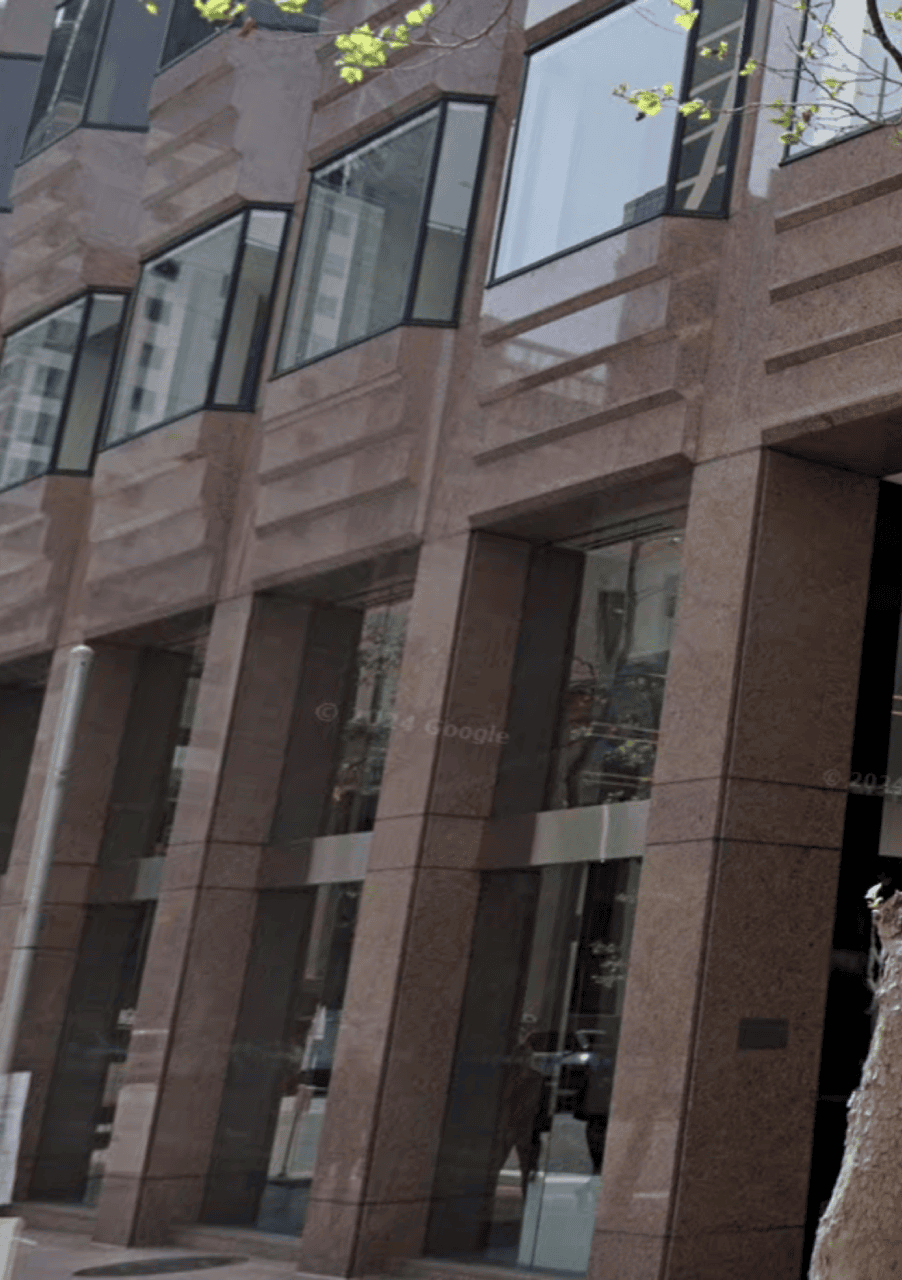
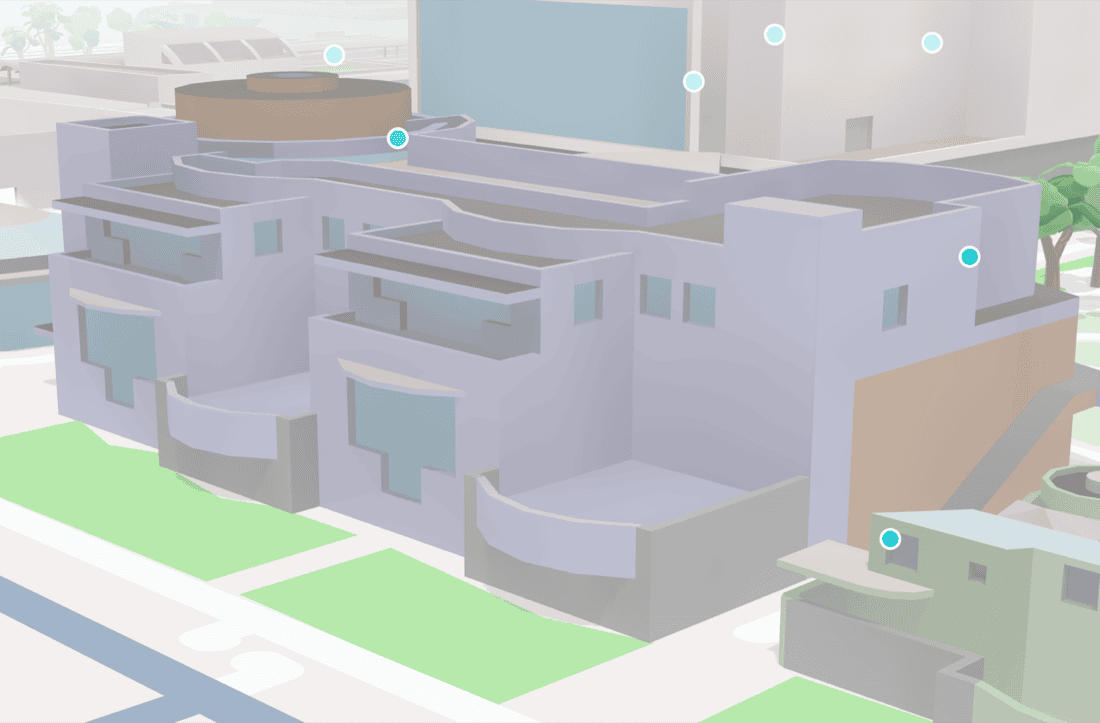
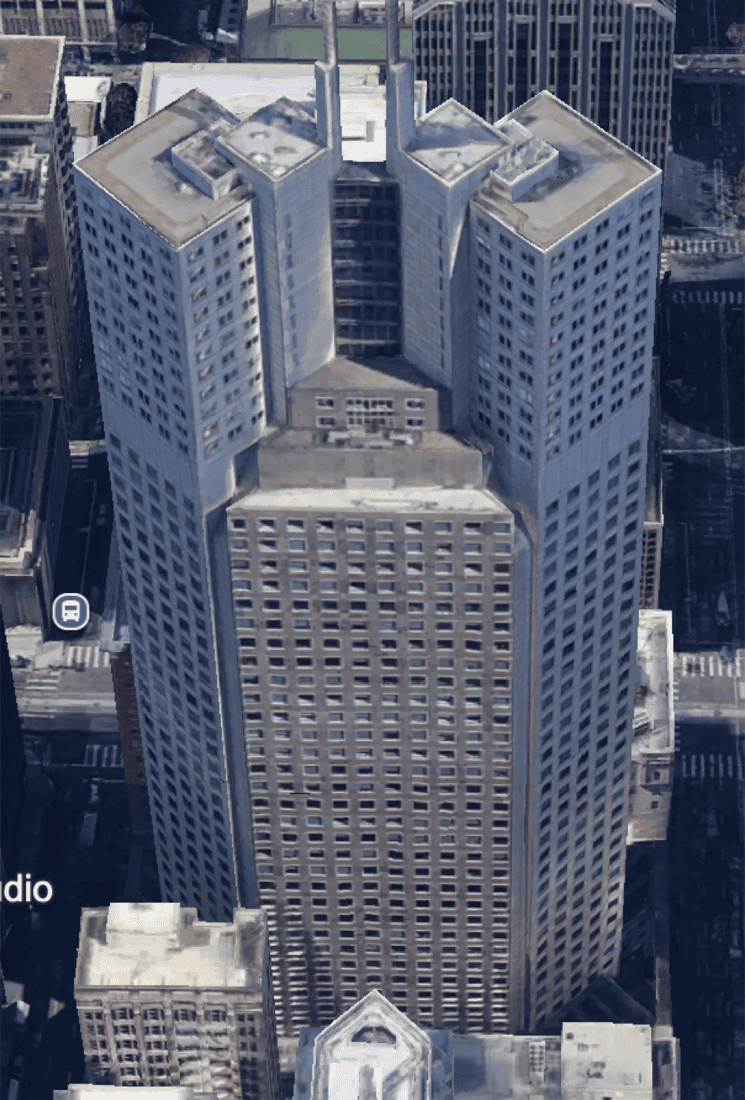
We stood up map-integrated review so color passes are judged in situ—not only in DCC. That cut disagreement between “looks good in Blender” and “reads wrong beside highways and POIs.”
Evidence grid
Handoff
After pilots, estimation, staffing, and daily delivery moved to art and team leadership inside the 3D content organization—the system was designed so operations could scale without the research thread becoming a permanent bottleneck. My focus stayed on constraints, contracts, and alignment between map design, rendering, and content tooling.
Outcome
Landmarks joined the rest of the map’s customization story: fewer material forks, clearer content-to-rendering handoff, and a path to richer shading when the product palette evolves—without renaming the catalog on every brand refresh. Pilots ran across multiple metros under one shared palette contract; the work defined what “flexible color” means in a tiled, performance-bound basemap, and gave production teams a shared, reviewable language to operate from.